
How has modern technology changed teaching in the United States? Has it improved learning for younger and older students, or has it worsened their learning capabilities from the use of technology and learning devices? How will it evolve over time and should we keep adding new ways to learn material? These are all thought provoking questions that all types of people wonder and throughout this article we will answer them based on research and information.
To first start off, we have to talk about the history of how education came to be in the U.S. The first schools were built based upon religious and political influence. The first public schools were created during the 1600’s, however they were reserved for white wealthy families, by the 1800’s the push for making schools free came about. People like Horace Mann advocated for public schools and eventually education became more inclusive and changed for the better. Now education is free for everyone, there are public, charter, private, boarding, and many more types of schools, however now we will talk about how the students in said schools learn.
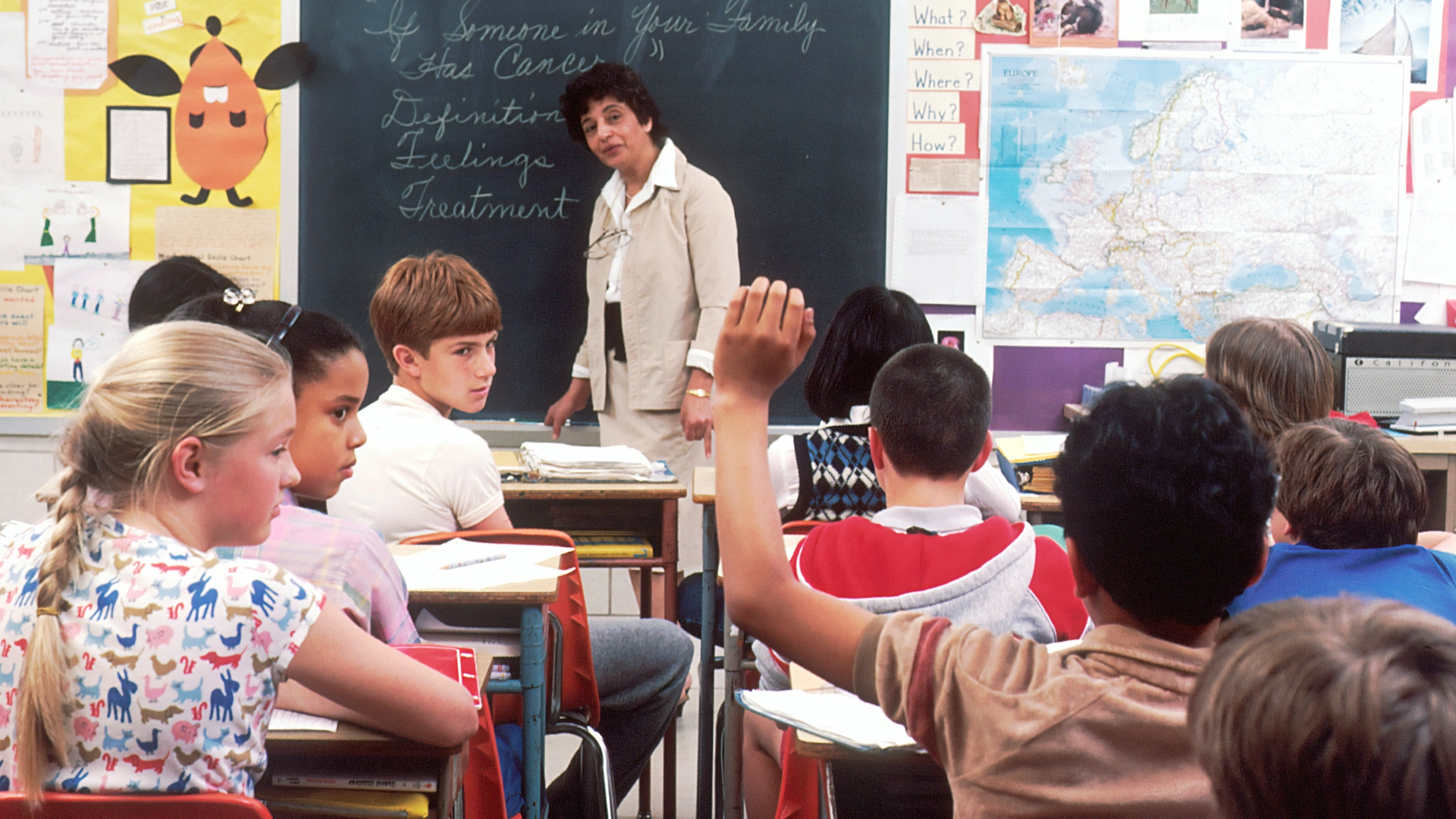
Moving on to the history of learning, before smart boards and laptops teachers and students had chalkboards, paper, and pencils. Back then especially before COVID-19, the schools relied on in-person face to face learning and communicating. The students would use textbooks, paper and pencil, and other non-digital items to learn the material. Some middle and high schools had different scheduling too, most schools had about seven to eight classes and they used to take them all in one day. Coming back from COVID-19 some schools adopted what is called a block schedule. A block schedule is where if you had, let’s say, eight classes you would take your first four one day which would be your A-day’s, and your remaining four the next day which would be your B-day’s, then rotate those days throughout the week.
What is modern technology? The definition for modern technology is, “modern teaching methods that generally provide hands-on tasks, problems, and projects that allow students to directly apply their knowledge and learn from the experience.” Based on this it’s not just on things like AI or computers it can include things like flexible seating or hands on projects too.
Some types of technology/learning devices include distance learning, tablets/iPads, Google classroom, smart-boards, educational apps, AI, digital field trips, recorded lectures, student feedback and digital quizzes. Each one can help students, teachers, and schools in different ways.

How did these learning devices come about in classrooms? We can thank COVID-19 for most of it. We had the opportunity to speak to a teacher that has been teaching for about 29 years, and she has been teaching since schools used chalkboards. Her teaching was suddenly changed by COVID-19, she says, ”COVID-19 thrust us into the digital age of education, we learned how to use Zoom, we learned to give digital homework, and began to give digital assignments. Digital tools gave students more than one way to turn in an assignment for example an essay or video speaking about a topic.”
This lovely teacher is Mrs. Orozco, she currently works at Columbus Elementary but has taught in various schools across the San Fernando Valley. She has taught every grade from pre-k through fifth grade and has only worked at public schools. When COVID-19 hit, she had to find new ways to teach her curriculum, and keep the students engaged. During COVID-19 she taught fifth grade, first grade, and pre-k. Just like many other teachers, Mrs. Orozco was given the platform known as Zoom to still be able to teach her students.
This was the birth of distance learning for Mrs. Orozco and her 5th grade class. Due to COVID-19, Ms. Orozco gained a few new learning devices she had never used before such as Padlet, to give all students a chance to answer at the same time, Class Dojo, Google Classroom, and Schoology. She says, “Schoology is a way of organizing your learning group that you belong to.” She uses it as a professional, inputting grades, communicating with students and their families, and sharing the curriculum with students.
When Mrs. Orozco returned to the classroom her way of teaching was changed, she incorporated some of the resources she gained from before and after COVID-19. She says, “I relied more on digital slides, I gave kids the option of paper and pencil or digital homework, continued to use Class Dojo to answer the students questions and use it as an incentive tool to award points (digital points) which included teamwork, participation, and helping others.”
We had the opportunity to interview another teacher about her experiences with COVID-19; Ms. Dueck a 17-year veteran teacher at Heritage Christian School who has taught 7th-12th graders, and has always taught math subjects like Algebra 1 through Calculus BC. She says, “It’s very funny because I didn’t have to change as much as a lot of people, I was already in Google Classroom before COVID, and so my kids were already doing submissions of stuff online.”
Ms. Dueck had already begun incorporating technology use in the classroom, but even so when she returned back to it after COVID-19 she had begun to use new resources. She used a platform called Webassign to assign homework and began to use more online stuff like Khan Academy. When she got back everyone had gotten devices like laptops, Chromebooks, and tablets or iPads, so she started using online note taking with the platforms Jamboard and Miro she says she, “leaned into the technology.”
We have talked about COVID-19 and how technology slowly crept up on us and changed the environment we learned in. However, not all students learn the same way, some students have learning disabilities. Mrs. Orozco has taught kids with disabilities such as autism, ADHD, and down syndrome.
The resources she has to help these students are Token Boards, PECS, and BII. Token Boards are a motivational tool to get students to accomplish behavior goals and reward them. She uses this for students with autism, ADHD, and other health impairments and it has been available to her for five years. PECS stands for Picture Exchange Communication System, and it is for students that are non verbal, and she has had it for 10 years. When asked if it was a useful tool Mrs.Orozco said, “It can be cumbersome at times because it can take the student time to find the pictures.” The last tool she told us about was a BII; BII stands for Behavioral Intervention Implementation. It can be described as a person that comes to your class to help you support a student who exhibits some problem behaviors. She has had it available to her for 10 years. Before Mrs.Orozco had it available to her, she would have to ask parent volunteers to help support the students. She says, “Some days continue to be a challenge but part of the BII is to collect data on how we can better support the student with interventions.”
Ms. Dueck has also taught kids with similar disabilities such as, ADHD, test anxiety, and dyscalculia. In order to help these kids she uses methods like recording lectures, keeping track of notes online, seating priority, and the peer tutoring program.
Each one helps the students above in it own way, Ms. Dueck records her lectures so that kids with different processing disorders, auditory or visual, have more options for getting notes and lessons. When she keeps track of her notes online it makes it easier for her kids with dyscalculia to get the notes. Dyscalculia is a learning disorder that affects a person’s ability to understand number-based information and math, in simpler terms dyslexia but with numbers. Seating priority helps with kids that need to be closer to the front. The last thing she uses is the peer tutoring program, Ms. Dueck says, ”it’s an environment where i’m always willing to help, but other students are wanting to help as well.”

The last thing to talk about in this article is AI, because it has both pro’s and con’s. To start off with the con’s a lot of students, mostly high schoolers are using AI to cheat on their assignments. If they rely too much on ChatGPT it doesn’t allow for their own creativity or critical thinking meaning they can’t fully understand the answer they receive. On the contrary, a pro would be using ChatGPT as a tutor. ChatGPT is a free source of AI and if used correctly it can be used instead of hiring a real person, one because you can use it whenever and two because it’s free.
Modern technology has significantly transformed education in the U.S., especially after COVID-19. Digital tools and learning devices have made learning more easier, for both teachers and students to adapt. However, things like cheating on assignments and the risk of students losing critical thinking skills stay the same. Ms. Orozco says she is, “thankful for technology, but it’s still important to have in person teaching to view the affect (state of mind) such as eye contact, facial expressions, and emotions of my students and how I can adjust my teaching ability to better engage their interest in learning.” As technology continues to evolve, it will play an even bigger role in education, but it’s important to balance it with traditional methods to ensure students develop a well-rounded skill set for the future.
0 Comments